Back to People & Entities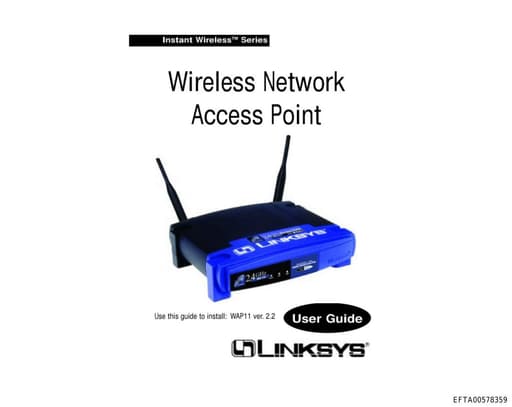
Adapters
Organization
1
Total Mentions
1
Documents
0
Connected Entities
Organization referenced in documents
Document Mentions (1)
EFTA00578359.pdf
1 mentionEFTA00578359
ew bindings. 7. Click the Protocols tab. Then, select TCP/IP. 8. Click the Properties button. Select the type of network adapter you have from the Adapters box and select Specify an IP Address. 9. Enter the computer's IP Address and Subnet Mask. Check with your net- work administrator for your settings.
Sponsored
Connected Entities
No connected entities