Back to People & Entities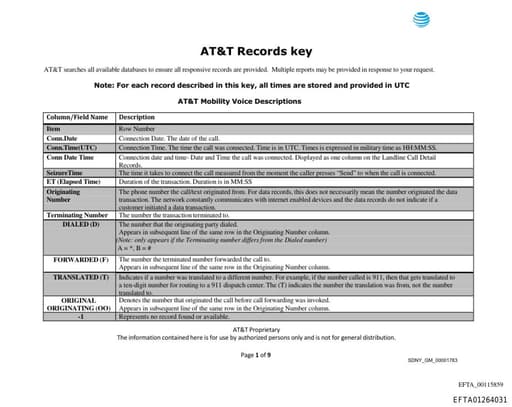
Wi-H
Organization
4
Total Mentions
4
Documents
1
Connected Entities
Organization referenced in documents
Document Mentions (4)
EFTA01264031.pdf
1 mentionEFTA01264031
f a customer initiated a data transaction. AT&T Wi-Fi Data Descriptions This report signifies data transactions where the customer is connected to Wi-H using AT&T VPN service. Column Name Description Bytes Up The number of bytes sent from mobile station to the network. Bytes Dn The number of b
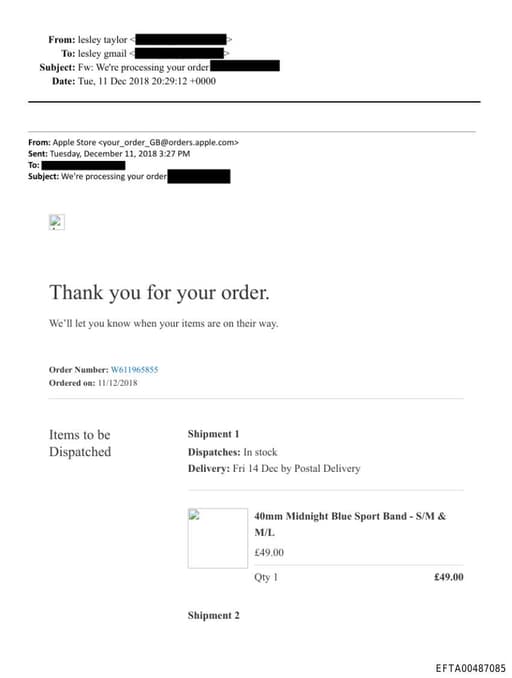
EFTA00487085.pdf
1 mentionEFTA00487085
m/iphone/Ll'E/and www.apple.com/ipad/CH/. With regard to iPad devices. the warranty does not provide service coverage in China due to differences in Wi-H connection outside of Apple control. YOUR RESPONSIBILITIES IF YOUR APPLE PRODUCT IS CAPABLE OF STORING SOFTWARE PROGRAMS, DATA AND OTHER INFORMATI
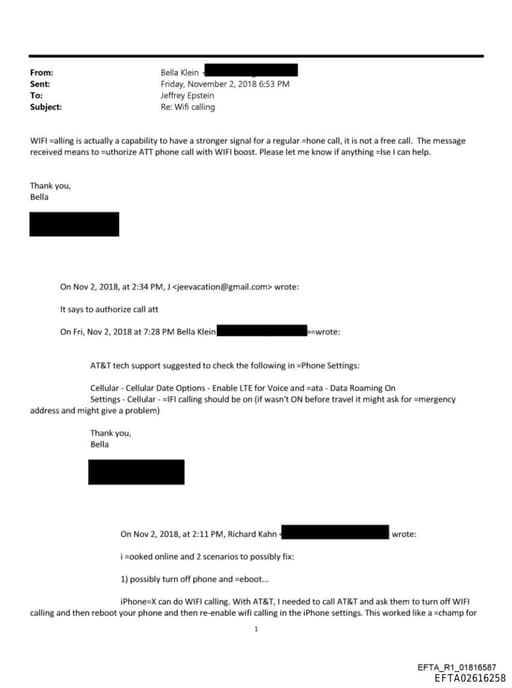
EFTA02616258.pdf
1 mentionEFTA02616258
that you want to remove. To turn off Wi-Fi Calling on your Apple Watch, go to =he Watch App on your iPhone, tap My Watch, tap Phone, then turn off Wi-H Calling. Get help If you =an't turn on or use Wi-Fi Calling, make sure that your carrier offers Wi-Fi Calling and that your devices have the lates
Sponsored
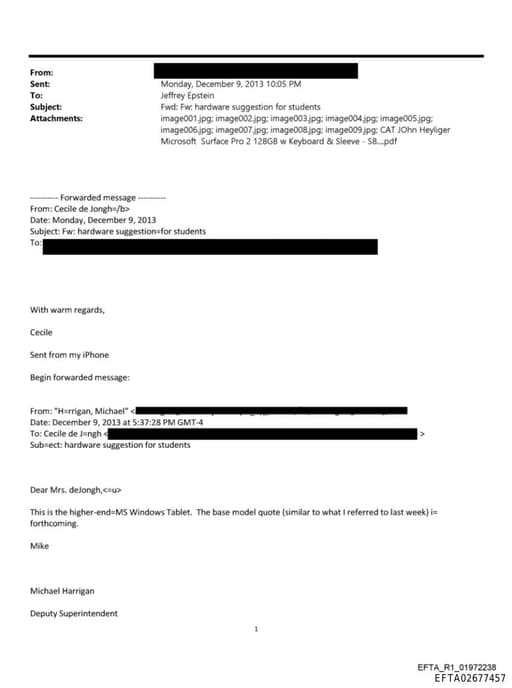
EFTA02677457.pdf
1 mentionEFTA02677457
o Detailsaspan> Display and video details=/u> 16:9 (widescreen) Aspect Ratio; 10-point multi-touch display Wireless details</=> Wireless details Wi-H (802.11a/b/g/n); Bluetooth 4.0 Low Energy technology Battery Details Battery Details 7-15 days idle life; Charges in 2-4 hours with included power
Sponsored