Back to People & Entities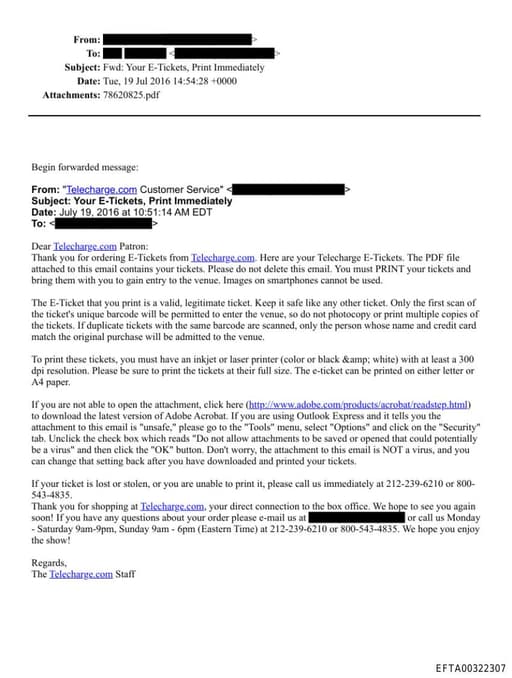
UN
Unclick
Person
11
Total Mentions
11
Documents
1
Connected Entities
Surname reference in documents
Document Mentions (11)
EFTA00322307.pdf
1 mentionEFTA00322307
Express and it tells you the attachment to this email is "unsafe," please go to the "Tools" menu, select "Options" and click on the "Security" tab. Unclick the check box which reads "Do not allow attachments to be saved or opened that could potentially be a virus" and then click the "OK" button. Don't w
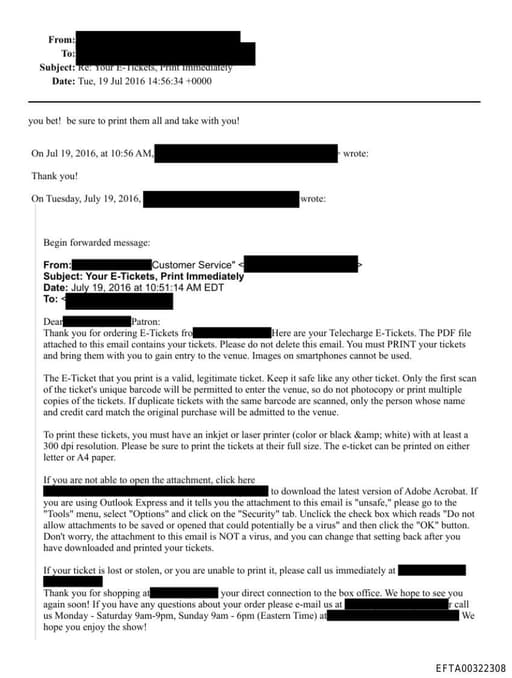
EFTA00322308.pdf
1 mentionEFTA00322308
Express and it tells you the attachment to this email is "unsafe," please go to the "Tools" menu, select "Options" and click on the "Security" tab. Unclick the check box which reads "Do not allow attachments to be saved or opened that could potentially be a virus" and then click the "OK" button. Don't
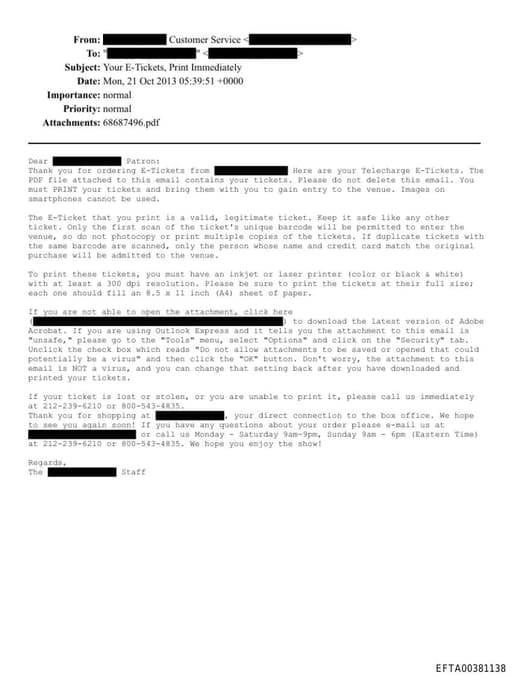
EFTA00381138.pdf
1 mentionEFTA00381138
Express and it tells you the attachment to this email is "unsafe," please go to the "Tools" menu, select "Options" and click on the "Security" tab. Unclick the check box which reads "Do not allow attachments to be saved or opened that could potentially be a virus" and then click the "OK" button. Don't w
Sponsored
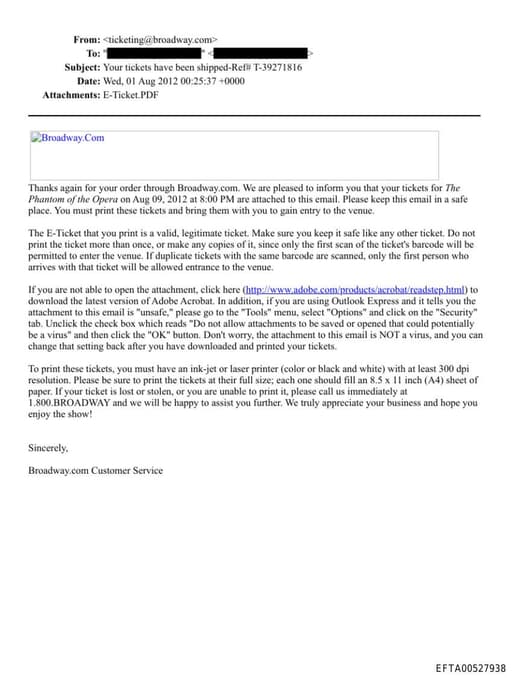
EFTA00527938.pdf
1 mentionEFTA00527938
Express and it tells you the attachment to this email is "unsafe," please go to the "Tools" menu, select "Options" and click on the "Security" tab. Unclick the check box which reads "Do not allow attachments to be saved or opened that could potentially be a virus" and then click the "OK" button. Don't w
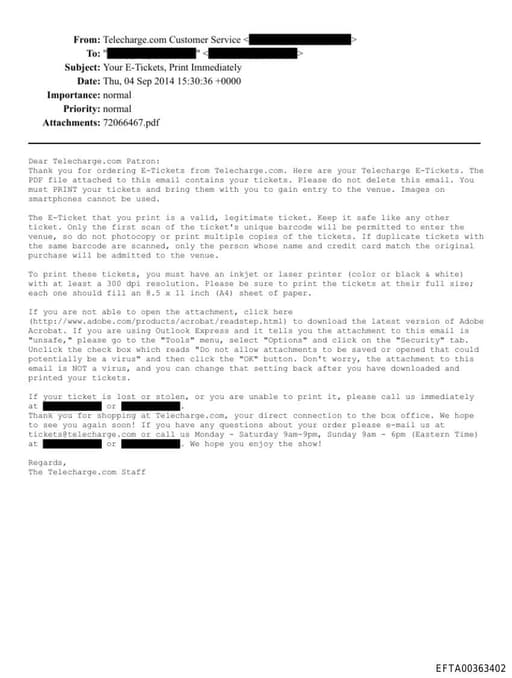
EFTA00363402.pdf
1 mentionEFTA00363402
Express and it tells you the attachment to this email is "unsafe," please go to the "Tools" menu, select "Options" and click on the "Security" tab. Unclick the check box which reads "Do not allow attachments to be saved or opened that could potentially be a virus" and then click the "OK" button. Don't w
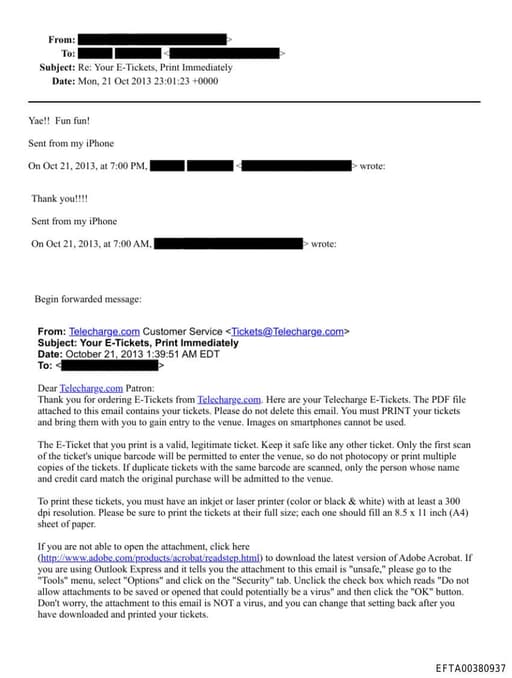
EFTA00380937.pdf
1 mentionEFTA00380937
Express and it tells you the attachment to this email is "unsafe," please go to the "Tools" menu, select "Options" and click on the "Security" tab. Unclick the check box which reads "Do not allow attachments to be saved or opened that could potentially be a virus" and then click the "OK" button. Don't
Sponsored
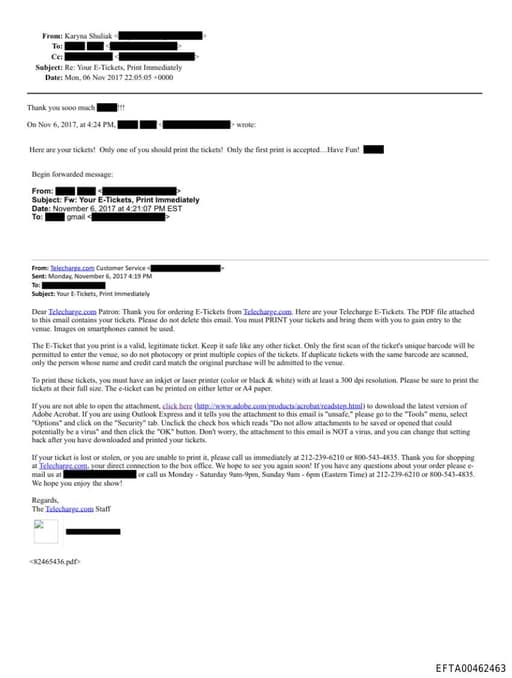
EFTA00462463.pdf
1 mentionEFTA00462463
Express and it tells you the attachment to this email is "unsafe," please go to the "Tools" menu, select "Options" and click on the "Security" tab. Unclick the check box which reads "Do not allow attachments to be saved or opened that could potentially be a virus" and then click the "OK" button. Don't w
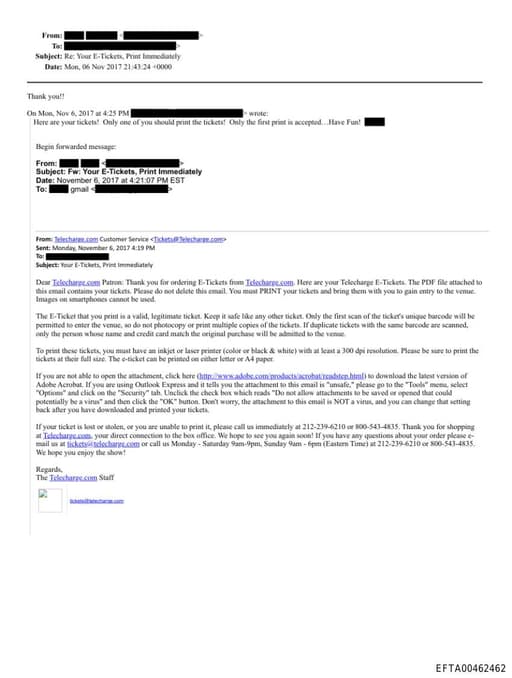
EFTA00462462.pdf
1 mentionEFTA00462462
Express and it tells you the attachment to this email is "unsafe," please go to the "Tools" menu, select "Options" and click on the "Security" tab. Unclick the check box which reads "Do not allow attachments to be saved or opened that could potentially be a virus" and then click the "OK" button. Don't w
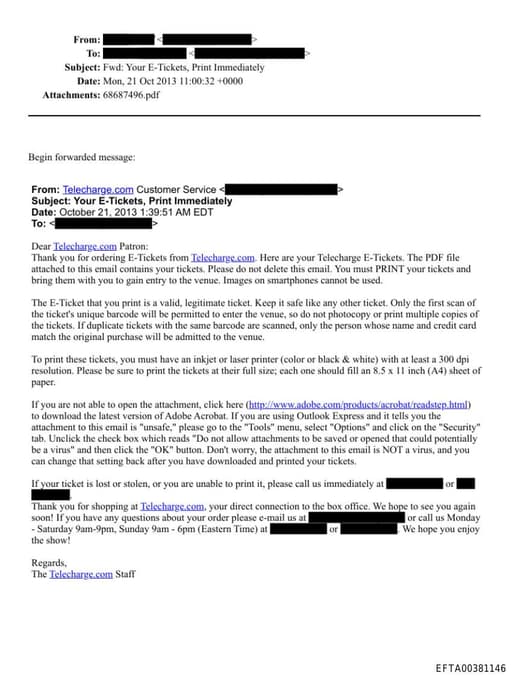
EFTA00381146.pdf
1 mentionEFTA00381146
Express and it tells you the attachment to this email is "unsafe," please go to the "Tools" menu, select "Options" and click on the "Security" tab. Unclick the check box which reads "Do not allow attachments to be saved or opened that could potentially be a virus" and then click the "OK" button. Don't w
Sponsored
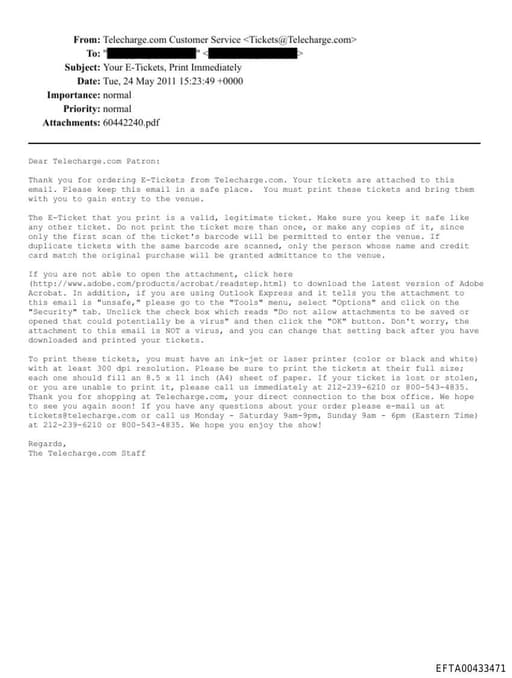
EFTA00433471.pdf
1 mentionEFTA00433471
Express and it tells you the attachment to this email is "unsafe," please go to the "Tools" menu, select "Options" and click on the "Security" tab. Unclick the check box which reads "Do not allow attachments to be saved or opened that could potentially be a virus" and then click the "OK" button. Don't w
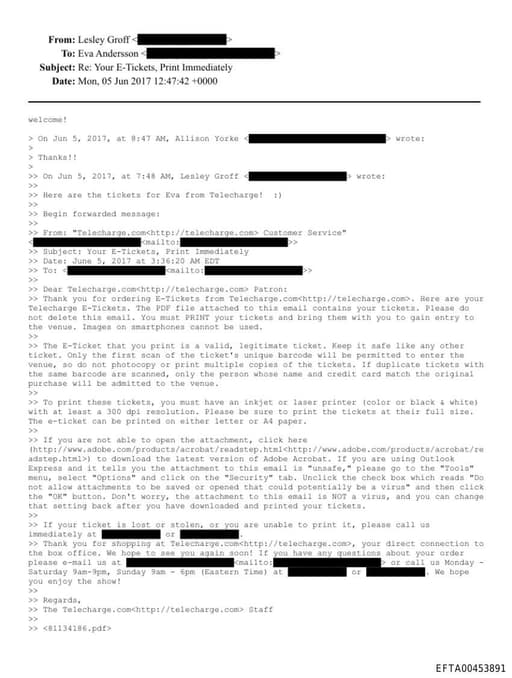
EFTA00453891.pdf
1 mentionEFTA00453891
Express and it tells you the attachment to this email is "unsafe," please go to the "Tools" menu, select "Options" and click on the "Security" tab. Unclick the check box which reads "Do not allow attachments to be saved or opened that could potentially be a virus" and then click the "OK" button. Don't
Sponsored